
Most products don’t fail because the code was bad. They fail because people open them, get confused in the first thirty seconds, and leave.
Maybe your signup flow loses half the people who start it. Maybe your sales team keeps hearing “it looks dated” from prospects. Or maybe you have a new product idea and a developer ready to start, but nobody has checked whether customers understand what the thing is for. Those are design problems, and they are far cheaper to fix in Figma than in production.
Our UI/UX design work sits at the front of a project. We figure out what your users are trying to get done, sketch the shortest path to it, and test that path with real people. Then we hand developers a design they can build without guessing.
What our UI/UX design process includes
Every project is a little different, but the work usually moves through these stages:
- Product discovery. A few working sessions with you and your team to pin down the business goal, the audience, and what “done” looks like. We also look at what competitors get right and where they annoy their users.
- User research. Short interviews with five to eight real or likely customers, plus a review of support tickets, analytics, and session recordings if you have them. This is where most of the surprises come from.
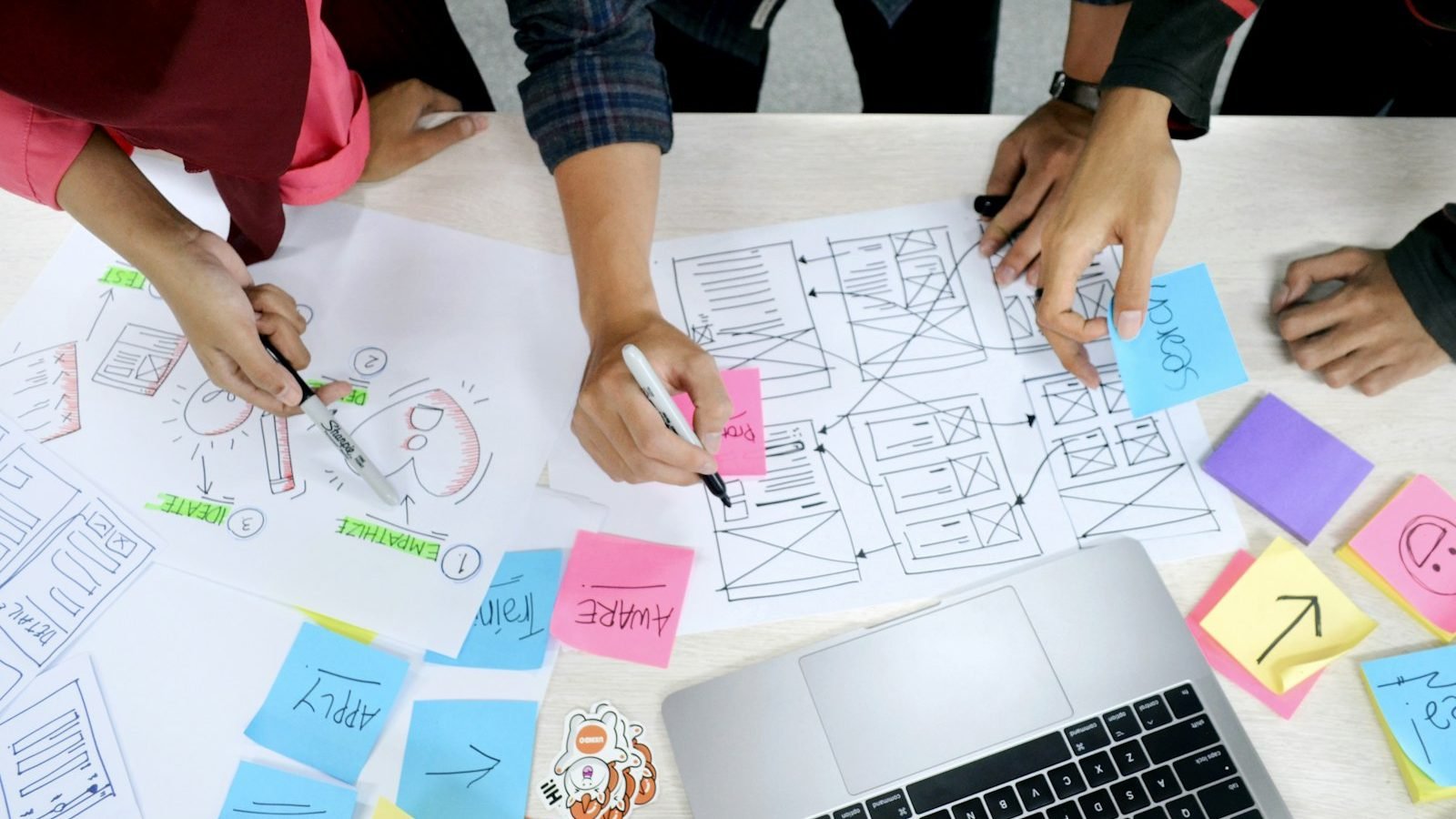
- Information architecture and wireframes. Low-detail screens in grayscale that map out structure and flow. Cheap to change, so we change them a lot.
- Visual design and prototypes. Full-color screens in Figma, wired together into a clickable prototype that feels close to the finished app on a phone or laptop.
- Usability testing. We watch people try to complete real tasks with the prototype and note exactly where they hesitate. Then we fix those spots and test again if needed.
- Developer handoff. Annotated specs, exported assets, and a component library so your engineers are not reverse-engineering spacing from a screenshot.
Design systems and redesigns
If you already have a product, a redesign doesn’t have to mean starting over. Often the better move is a design audit: we go screen by screen, flag inconsistencies and friction points, and rank them by how much they likely cost you. Some fixes take an afternoon. Others need a rethink of a whole flow.
For teams shipping features every few weeks, we build a design system. That’s a shared library of buttons, forms, colors, type styles, and spacing rules in Figma, matched to components in code. It keeps the product looking like one product as it grows, and it saves your developers real hours on every new screen.
Who this is for, and who it isn’t
UI/UX design pays off most for:
- Founders about to build an MVP who want to test the idea with a prototype before spending on development
- SaaS companies whose trial-to-paid numbers are lower than they should be
- Businesses with an internal tool their own staff complain about every week
- Teams planning a mobile app who need the flows nailed down first
It is probably not worth a full engagement if you need a simple five-page brochure site. A good theme and solid copy will do the job, and our web development team can set that up without a separate design phase.
Timelines and what results look like
A focused discovery and prototype for a new app usually takes four to eight weeks. A design system or a full redesign of an existing product can run longer, depending on how many screens and user types are involved. We’ll give you a clear estimate after the first discovery call.
Good UX work shows up in numbers you already track: more people finishing signup, fewer “how do I…” support tickets, shorter onboarding calls, better app store reviews. We agree on which of those matter to you at the start, so there’s something concrete to measure after launch.
Because our designers sit next to our engineers, the designs we hand over are ones we know can be built on budget. If you want us to carry it all the way through, our custom software and mobile app development teams can pick up right where the prototype leaves off.
Have a product that people find confusing, or an idea you want to test first? Tell us about it and we’ll suggest where to start.